
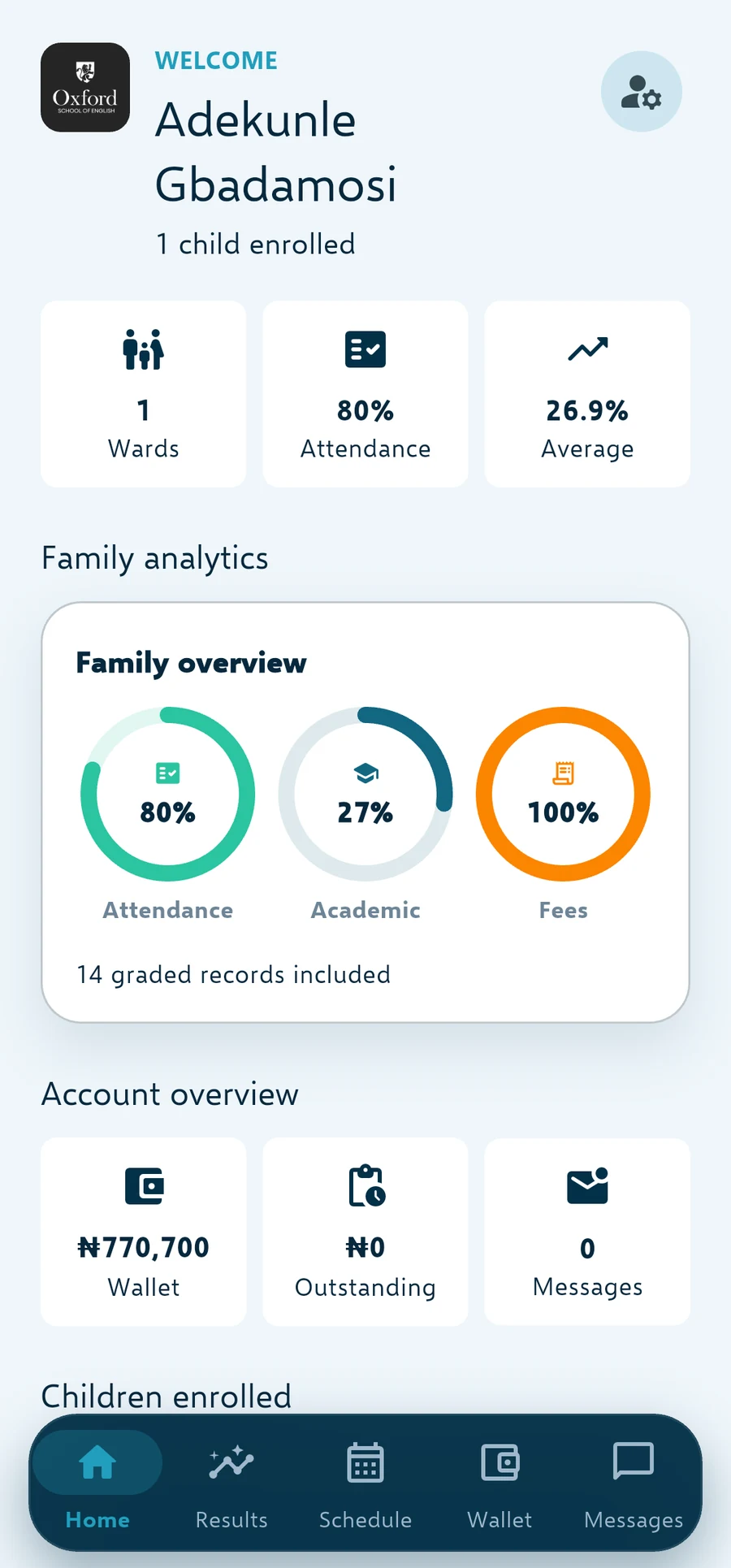
Everything a family needs, in one place
Results and report cards, attendance and leave, fees due and fees paid, notices and events all sit in the app, with a portal for families who prefer a browser.
A parent with two children in the same school switches between them in a tap. A parent whose child is in another school sees that school's records only.
- Results, report cards and positions
- Attendance, leave and daily notices
- Fees due, invoices, receipts and payment
- Messages, events and the school calendar
Paying fees without a trip to the bank
A parent can pay by card, transfer to the school's verified account, or use a public payment link for a child who is not theirs to pay for. Every payment produces a receipt straight away.
The parent's view of the balance is the same figure the bursar sees, because both come from the same ledger.
- Card and transfer payments in naira
- Receipts generated the moment a payment lands
- Public payment links for third-party payers
- Instalment schedules the family can see
Reaching families who do not read email
Notices, fee reminders and results can be pushed to the app, sent by SMS, emailed or delivered through WhatsApp, whichever the family uses. Messaging and chat keep the reply in one place instead of a staff member's personal phone.
The School ID connects an app to your school once, and each family activates with their own code, so a shared phone still keeps each person's view separate.
- Push, SMS, email and WhatsApp channels
- Targeted notices by class, year or role
- Messaging and chat inside the platform
- One School ID, one activation code per person
Questions schools ask
Short answers to the things schools raise before they switch.
Do parents need to install an app?
No. The Android app is the best experience, but every family also gets a web portal with the same information.
What if a family has children in two schools?
Each school issues its own School ID. A parent activates against the school they are dealing with, and the app only ever shows that school's children.
Can we send a notice to one class only?
Yes. Notices and reminders can be targeted to a class, year group, role or an individual, and delivery is reported so you know who received it.
Does the app work on an Android phone with little space?
The app is built for the phones schools use in Nigeria, and it keeps working on a weak connection, syncing when the network returns.
Set up your school in five minutes
Your own subdomain and private database are created automatically, with Nigerian classes, subjects and WAEC grading pre-loaded. Twenty-one days free, no card needed.