
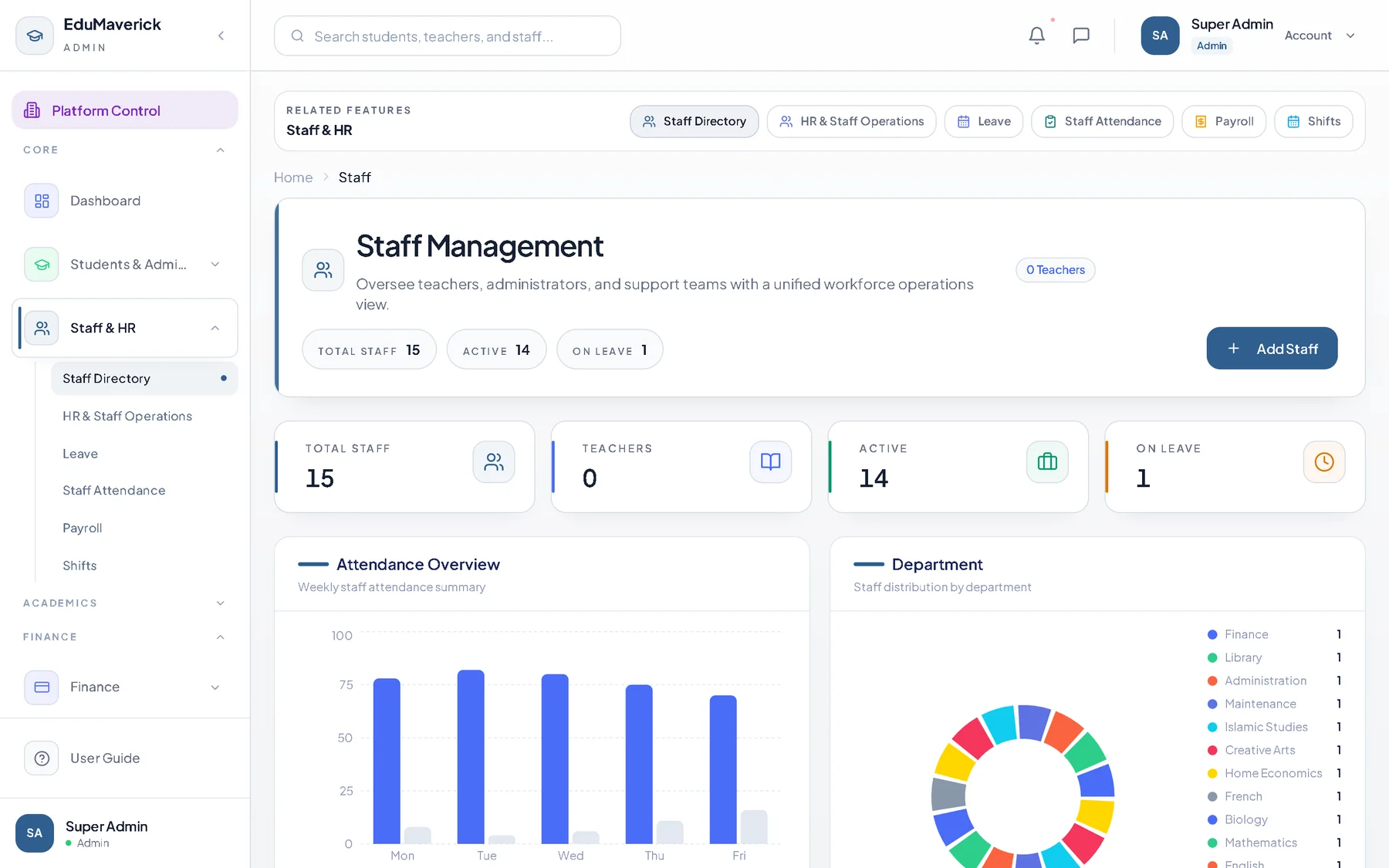
Marking that survives a bad network
A teacher marks a class in seconds: present, absent, late or excused. The app keeps working when the network drops and syncs when it returns, so a morning register is not lost to a flat battery.
Leave is requested and approved in the same place, so a student on approved leave is excused rather than marked absent, and the day's register reconciles with the leave list.
- Present, absent, late and excused states
- Offline marking with automatic sync
- Leave requests and approvals
- Instant parent alerts on absence
Registers that answer the question you were asked
Defaulter reports show who has been absent and for how long, by class and term, which is what a head of school is asked at the staff meeting.
Because attendance is tied to the student record, a report on chronic absence can be filtered to the individual student without a second spreadsheet. Daily, weekly and monthly registers print per class, and staff attendance and clock-in run on the same pattern.
- Defaulter reports by class and term
- Daily and monthly registers
- Attendance tied to fees, results and reports
- Staff attendance, shifts and clock-in
Questions schools ask
Short answers to the things schools raise before they switch.
What if the network drops during marking?
Marking continues on the device and syncs when the connection returns, so the register is not lost. The teacher sees the sync state, and the office sees a complete register.
Do parents get told when a child is absent?
Yes. An absence can alert the parent immediately through the app, SMS or WhatsApp, with the leave status when the absence is approved leave.
Can the office print a register?
Yes. Daily, weekly and monthly registers print per class, and the defaulter report is filtered by class and term.
Set up your school in five minutes
Your own subdomain and private database are created automatically, with Nigerian classes, subjects and WAEC grading pre-loaded. Twenty-one days free, no card needed.